

Create and name custom SQL query
Create a custom SQL query from the Composer module main page, give it a unique name, and save it.
Create and name a custom SQL query.
Steps
-
From the Composer module main page, click Create Query in the top right corner.
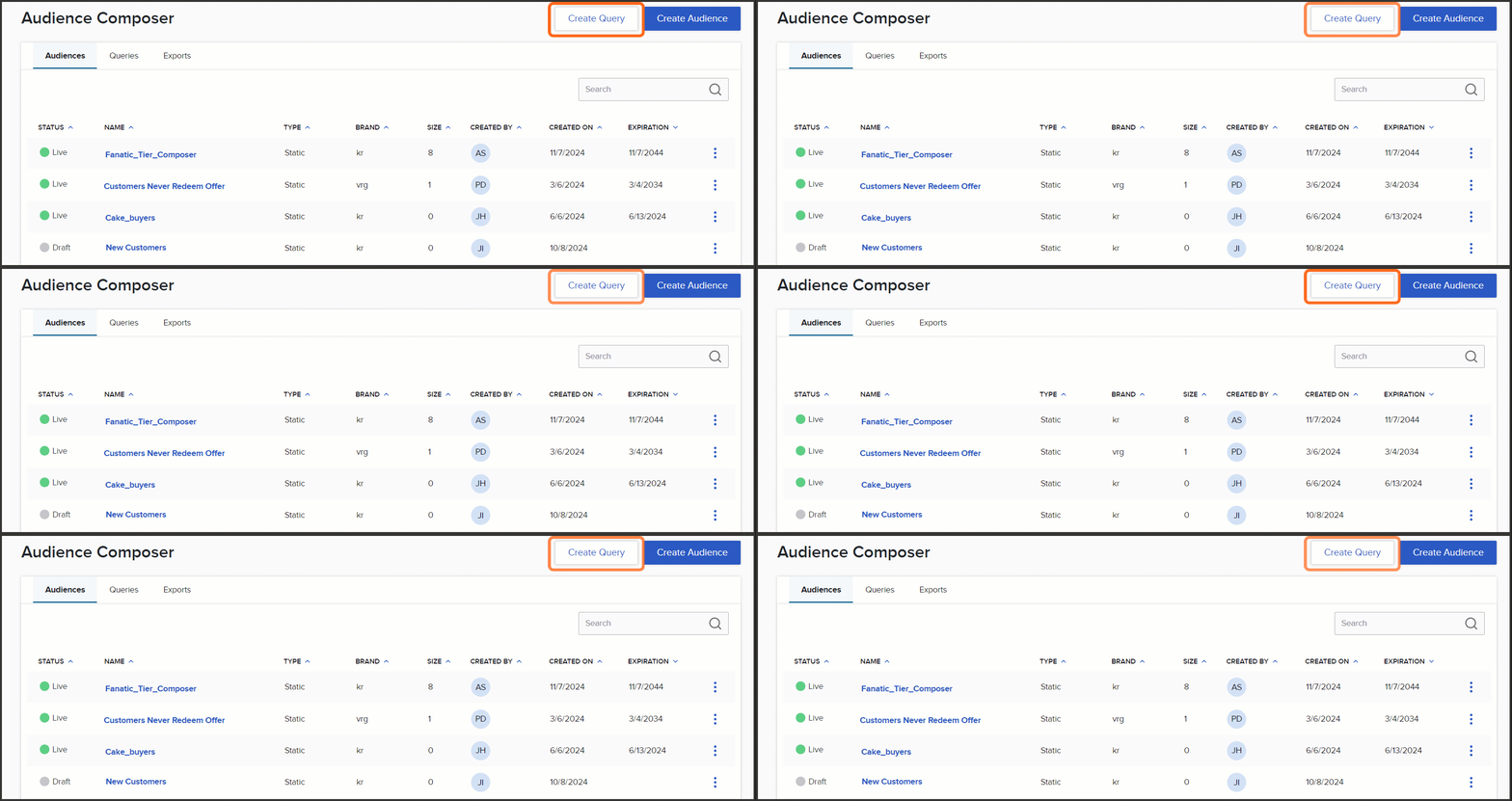
Create Query button in the top right corner of the Composer module main page -
In the pop-up, provide the query with a unique name, click Create, and you'll be brought to the Query Editor page.
-
Be sure to save your query upon initial creation by clicking the Save button.
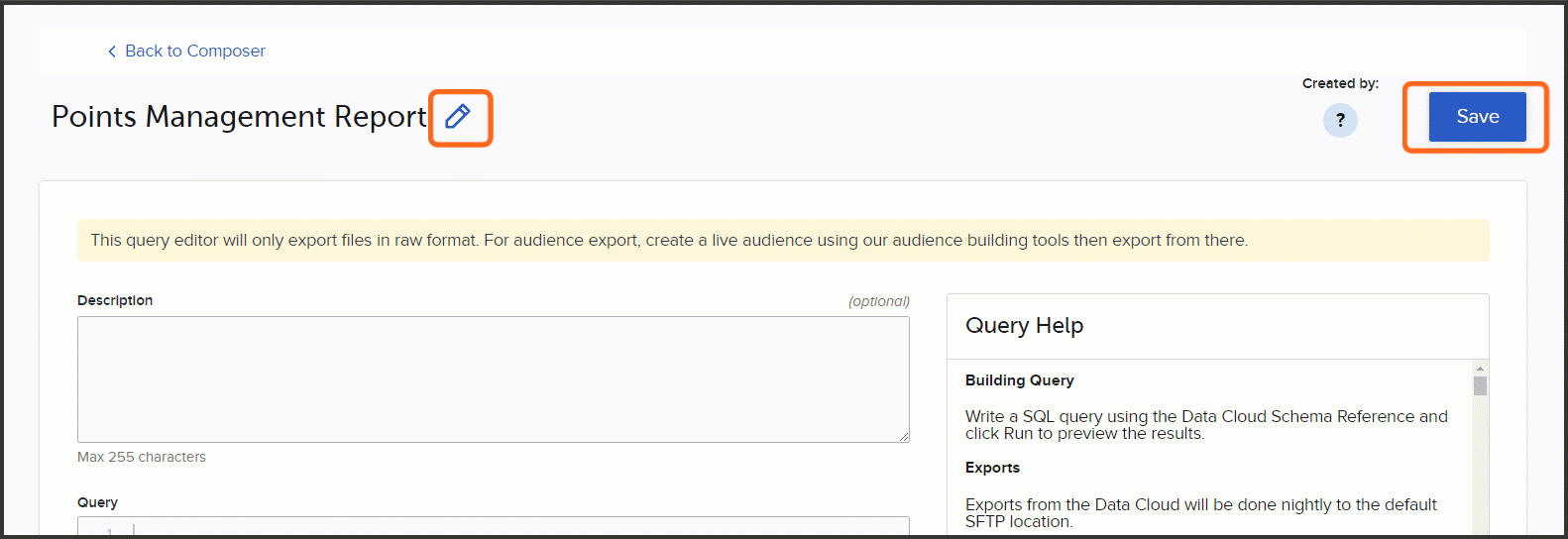
Save button on the Query Editor page
Note: You can always change the name of the query if needed by clicking the pencil icon at the top of the Query Editor page. Just remember to Save the query after making any edits.
Next step
Continue with Build and run custom SQL query.
Was this page helpful?