

Activate, pause or edit export
Change an export's status between active and paused, or edit the export, from any of three locations in the Audiences module.
Change the status of an export from active to paused or from paused to active. In addition, from the same location, you can choose to edit the export.
Steps
You can activate, pause, or edit an export from three locations.
-
From the All Audiences view of the dashboard, select the audience containing the export of interest. Click the Exports tab. If not already displayed, click the Configuration tab. Click
 in the table row that contains the export you want to activate, pause, or edit. Then select the desired action.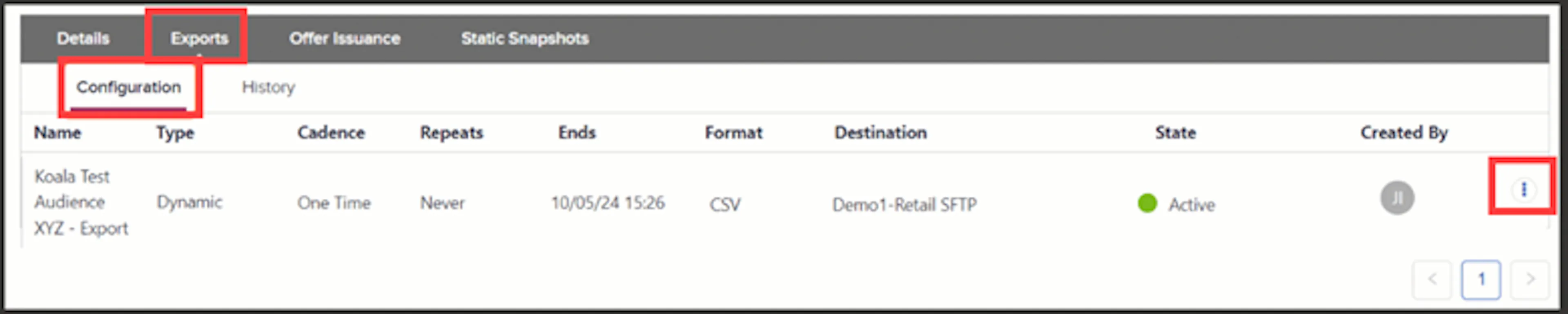
Exports tab with the action menu open on an export row -
From the All Audiences view of the dashboard, select Manage Exports. Then, if not already displayed, click the Configuration tab, which displays the Full Definitions sub-tab. Click
in the table row that contains the export you want to activate, pause, or edit. Then select the desired action.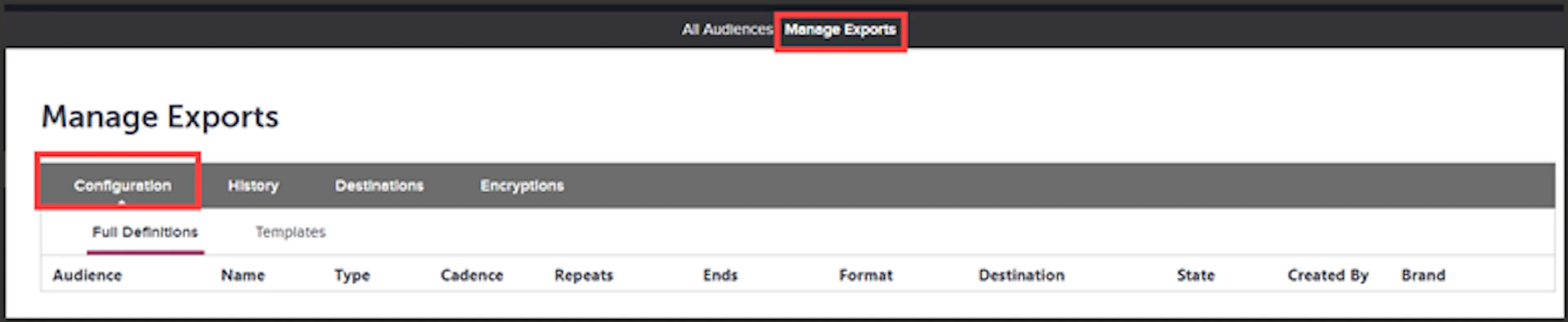
Manage Exports page showing the Full Definitions sub-tab -
From the Setup tab of the export job builder, you can pause or activate an export by moving the Export Active slider: red to pause; green to activate.
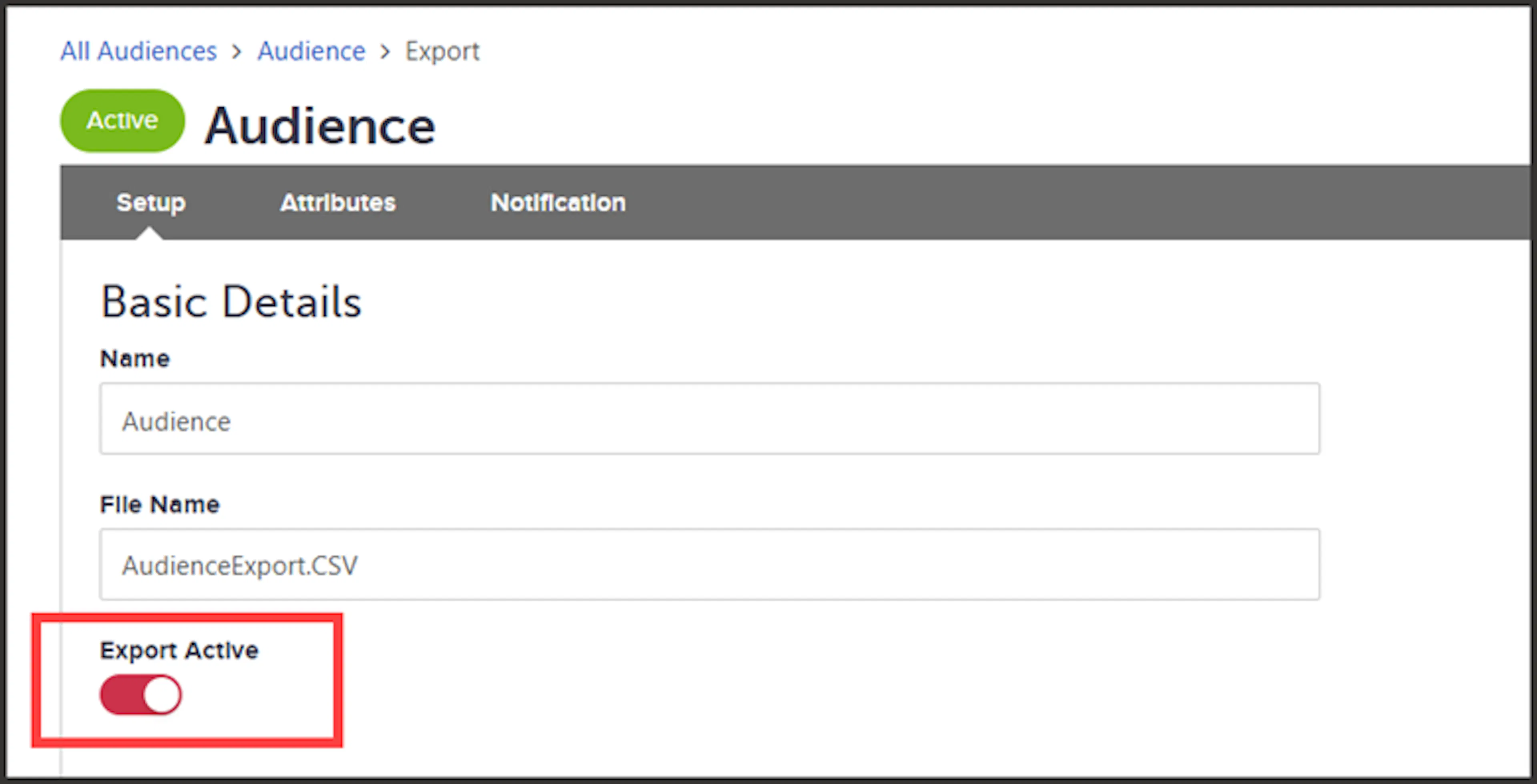
Export Active slider on the Setup tab of the export job builder